Schlagwort: blackink

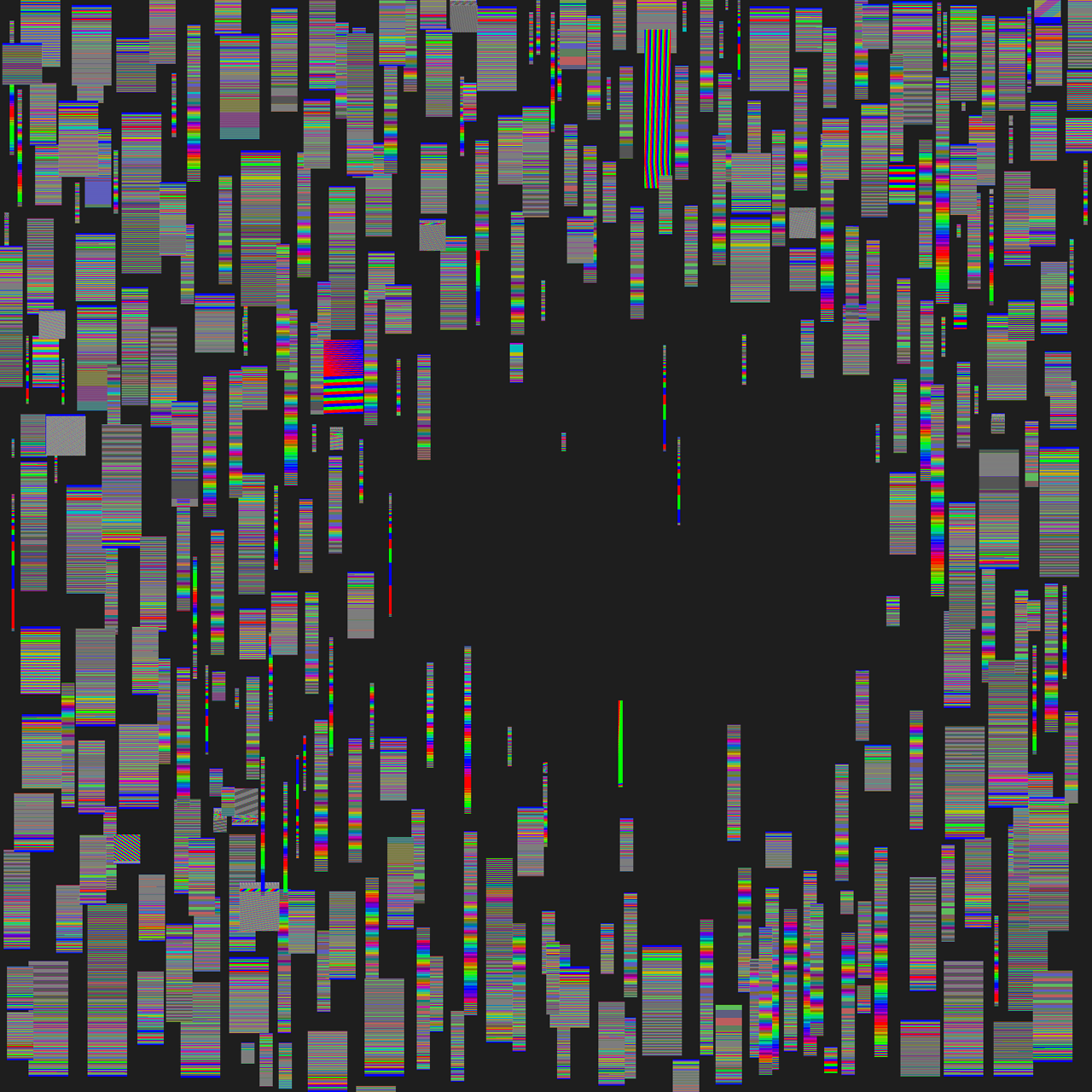
  • BlackInk Brush: DEBUG Vertical RGB Stripes

    BlackInk Brush: DEBUG Vertical RGB Stripes

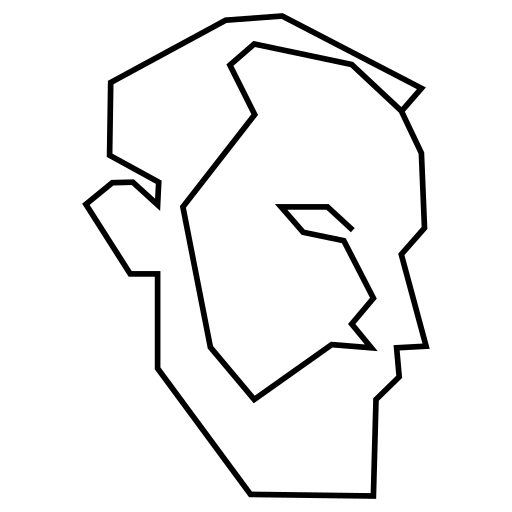
    Heute nochmal zurück zu einer alternativen Version eines meiner CRT-Pinsel gegangen und da lag bei mir glatt Armin Hofmanns „Methodik der Form- und Bildgestaltung“ auf dem Tisch, dessen Cover mich fasziniert. Was läge da näher, als eine kleine Studie zu machen, um einen Pinsel auszuprobieren?

    Der Code:

    cfg {
    name = "DEBUG Vertical RGB Stripes";
    renderingTime = 60;
    }

    float4 main(idatas i) {
    // Normalize stroke space UVs
    box2 b = box2FromCenterAxe(i.strokeStartPos, length(i.strokePos - i.strokeStartPos), normalizeSafe(i.strokePos - i.strokeStartPos));
    float2 uv = 4 * b.toCenter(i.pos) / b.size;

    // Scale up horizontal frequency
    float stripe = floor(uv.x * 60); // visible stripes

    // Simple stripe pattern: R, G, B
    float3 col = float3(0.0, 0.0, 0.0);
    if (mod(stripe, 3) == 0) {
    col.r = 1.0;
    } else if (mod(stripe, 3) == 1) {
    col.g = 1.0;
    } else {
    col.b = 1.0;
    }

    return float4(col, 1.0);
    }
  • BlackInk Brush: CRT Melt (Procedural)

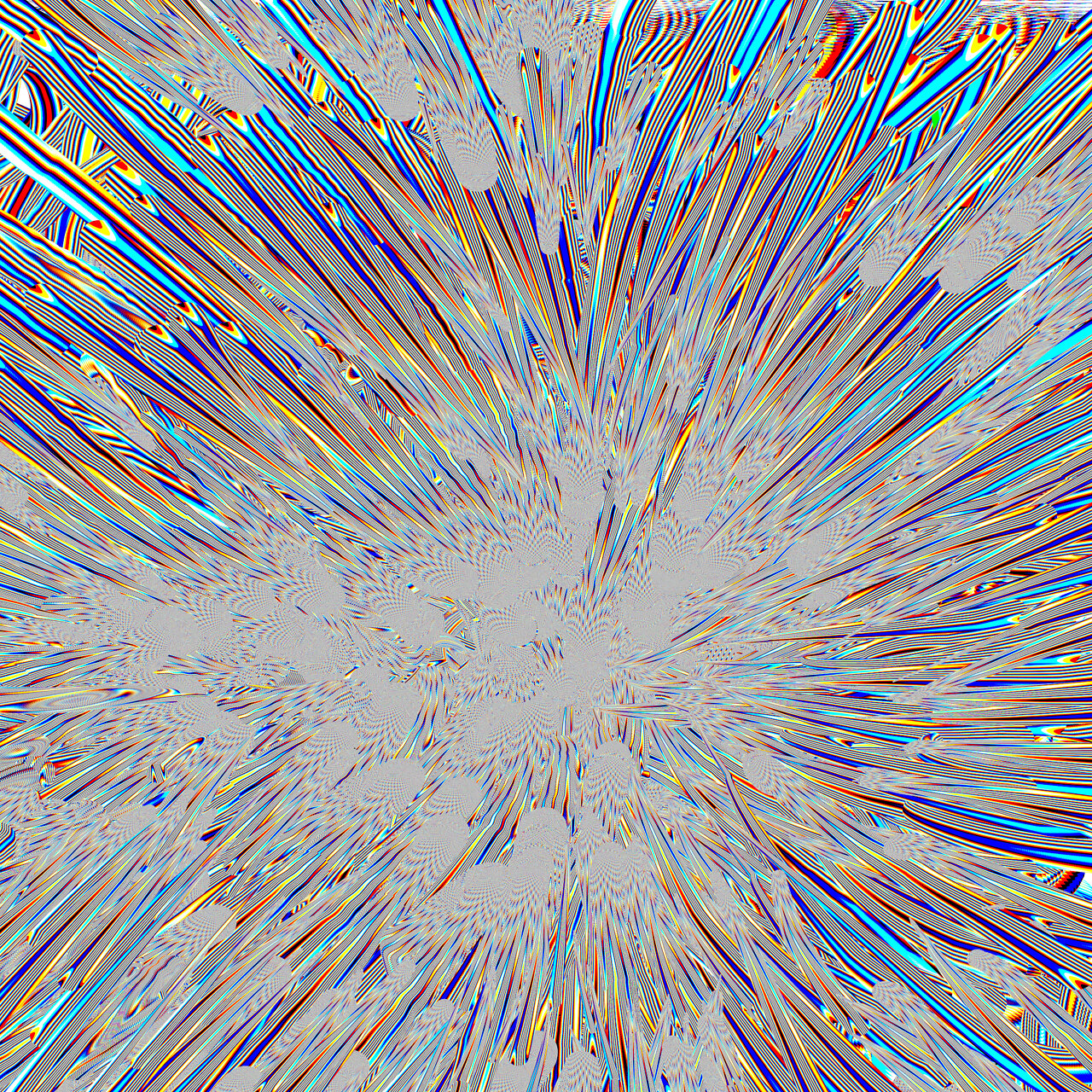
    BlackInk Brush: CRT Melt (Procedural)

    Zwischen den Seiten von Neuromancer, und Zen & The Art of the Macintosh, habe ich wieder ChatGPT ausgepackt, und mit Hilfe folgender Dokumente BSL Doc und BSL Samples, diesen Pinsel rekonstruiert:1

    cfg{
    name = "CRT Melt (Procedural)";
    }

    globals{

    uiTab "CRT";

    float rgbOffset = 0.03;
    {
    uiTab = "CRT";
    uiName = "RGB Separation";
    uiMin = 0;
    uiMax = 0.2;
    }

    float meltStrength = 0.5;
    {
    uiTab = "CRT";
    uiName = "Vertical Melt";
    uiMin = 0;
    uiMax = 2;
    }

    float wobbleStrength = 0.3;
    {
    uiTab = "CRT";
    uiName = "Horizontal Wobble";
    uiMin = 0;
    uiMax = 2;
    }
    }

    float4 main( idatas i )
    {
    // ----- stroke space -----
    box2 b = box2FromCenterAxe(
    i.strokeStartPos,
    length(i.strokePos - i.strokeStartPos),
    normalizeSafe(i.strokePos - i.strokeStartPos)
    );

    float2 uv = b.toCenter(i.pos) / b.size;

    // ----- CRT distortions -----
    float melt = uv.y + sin( uv.x * 10 + i.time * 2 ) * meltStrength;
    float wobble = sin( uv.y * 40 + i.time * 4 ) * wobbleStrength;

    // ----- RGB sampling positions -----
    float ur = uv.x + wobble + rgbOffset;
    float ug = uv.x + wobble;
    float ub = uv.x + wobble - rgbOffset;

    // ----- stripe signal -----
    float sr = step( 0, sin( ur * 60 ) );
    float sg = step( 0, sin( ug * 60 ) );
    float sb = step( 0, sin( ub * 60 ) );

    float3 col = float3( sr, sg, sb );

    return float4( col, 1.0 );
    }

    Das dabei entstandene ChatGPT‑Projekt kann man bis auf weiteres hier abrufen und selbst verwenden, um eigene Pinsel für BlackInk zu entwickeln.

    1. Die Dokumente habe ich auf https://steamcommunity.com/app/233680/discussions/0/4031351002388283519/ gefunden ↩︎
  • CRT-Pixel-Shader-Brush für BlackInk

    Dieses kurze Shader-Skript erzeugt RGB-Streifen entlang der Pinselbewegung und eignet sich als visuelles Experiment oder Ausgangspunkt für eigene Brush-Designs. Es kann direkt in BlackInk eingefügt werden – dazu einfach den Code in den „Brush Pixel Shader Editor“ kopieren und als neue Konfiguration speichern.

    Die Streifen entstehen durch eine einfache Modulo-Logik: Jede dritte Spalte wird abwechselnd rot, grün oder blau eingefärbt. Die Frequenz lässt sich über die uv.x-Skalierung anpassen. Die Berechnung erfolgt auf Basis der Pinselrichtung und ‑länge, wodurch das Muster dynamisch auf die Strichführung reagiert.

    cfg {
    name = "Vertical RGB Stripes";
    renderingTime = 60;
    }

    float4 main(idatas i) {
    // Normalize stroke space UVs
    box2 b = box2FromCenterAxe(i.strokeStartPos, length(i.strokePos - i.strokeStartPos), normalizeSafe(i.strokePos - i.strokeStartPos));
    float2 uv = 4 * b.toCenter(i.pos) / b.size;

    // Scale up horizontal frequency
    float stripe = floor(uv.x * 60); // visible stripes

    // Simple stripe pattern: R, G, B
    float3 col = float3(0.0, 0.0, 0.0);
    if (mod(stripe, 3) == 0) {
    col.r = 1.0;
    } else if (mod(stripe, 3) == 1) {
    col.g = 1.0;
    } else {
    col.b = 1.0;
    }

    return float4(col, 1.0);
    }