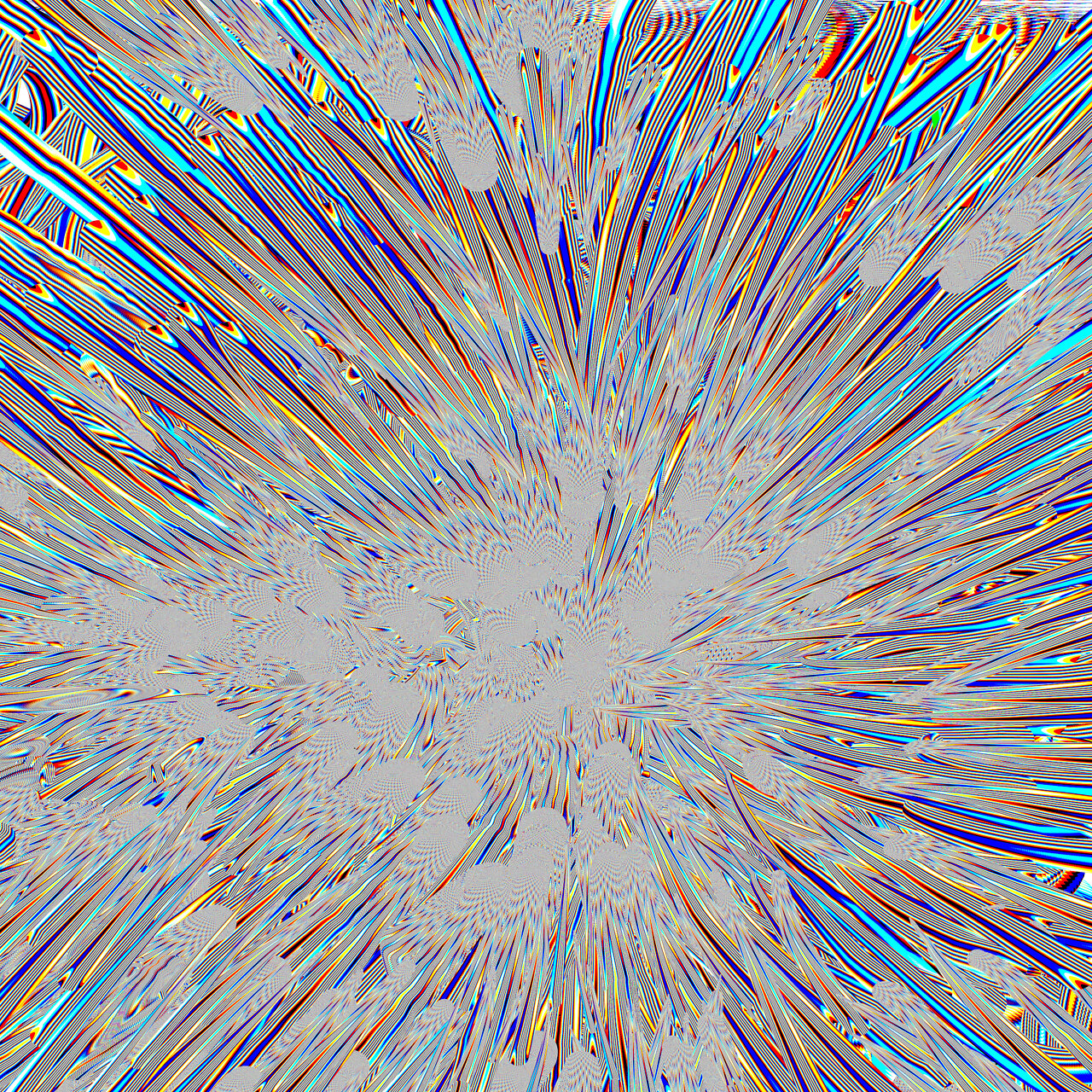
Zwischen den Seiten von Neuromancer, und Zen & The Art of the Macintosh, habe ich wieder ChatGPT ausgepackt, und mit Hilfe folgender Dokumente BSL Doc und BSL Samples, diesen Pinsel rekonstruiert:1
cfg{
    name = "CRT Melt (Procedural)";
}

globals{

    uiTab "CRT";

    float rgbOffset = 0.03;
    {
        uiTab = "CRT";
        uiName = "RGB Separation";
        uiMin = 0;
        uiMax = 0.2;
    }

    float meltStrength = 0.5;
    {
        uiTab = "CRT";
        uiName = "Vertical Melt";
        uiMin = 0;
        uiMax = 2;
    }

    float wobbleStrength = 0.3;
    {
        uiTab = "CRT";
        uiName = "Horizontal Wobble";
        uiMin = 0;
        uiMax = 2;
    }
}

float4 main( idatas i )
{
    // ----- stroke space -----
    box2 b = box2FromCenterAxe(
        i.strokeStartPos,
        length(i.strokePos - i.strokeStartPos),
        normalizeSafe(i.strokePos - i.strokeStartPos)
    );

    float2 uv = b.toCenter(i.pos) / b.size;

    // ----- CRT distortions -----
    float melt = uv.y + sin( uv.x * 10 + i.time * 2 ) * meltStrength;
    float wobble = sin( uv.y * 40 + i.time * 4 ) * wobbleStrength;

    // ----- RGB sampling positions -----
    float ur = uv.x + wobble + rgbOffset;
    float ug = uv.x + wobble;
    float ub = uv.x + wobble - rgbOffset;

    // ----- stripe signal -----
    float sr = step( 0, sin( ur * 60 ) );
    float sg = step( 0, sin( ug * 60 ) );
    float sb = step( 0, sin( ub * 60 ) );

    float3 col = float3( sr, sg, sb );

    return float4( col, 1.0 );
}
Das dabei entstandene ChatGPT‑Projekt kann man bis auf weiteres hier abrufen und selbst verwenden, um eigene Pinsel für BlackInk zu entwickeln.
- Die Dokumente habe ich auf https://steamcommunity.com/app/233680/discussions/0/4031351002388283519/ gefunden ↩︎